


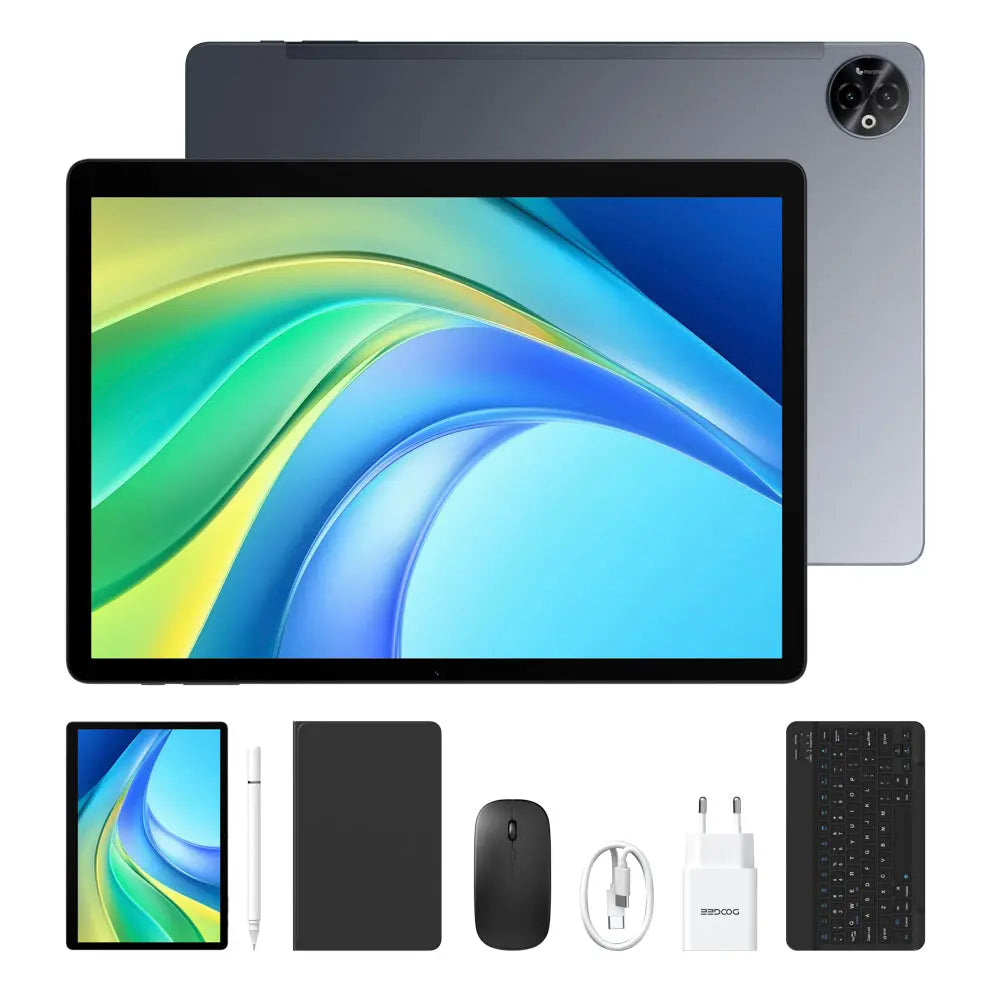


Large business tablet screen

Long battery life

Smooth tablet performance
Expanded memory support


HD IPS tablet screen

Extended memory support
UFS tablet storage
Long tablet battery life


Large business tablet display
Long battery life
Smooth tablet performance
Expanded memory support

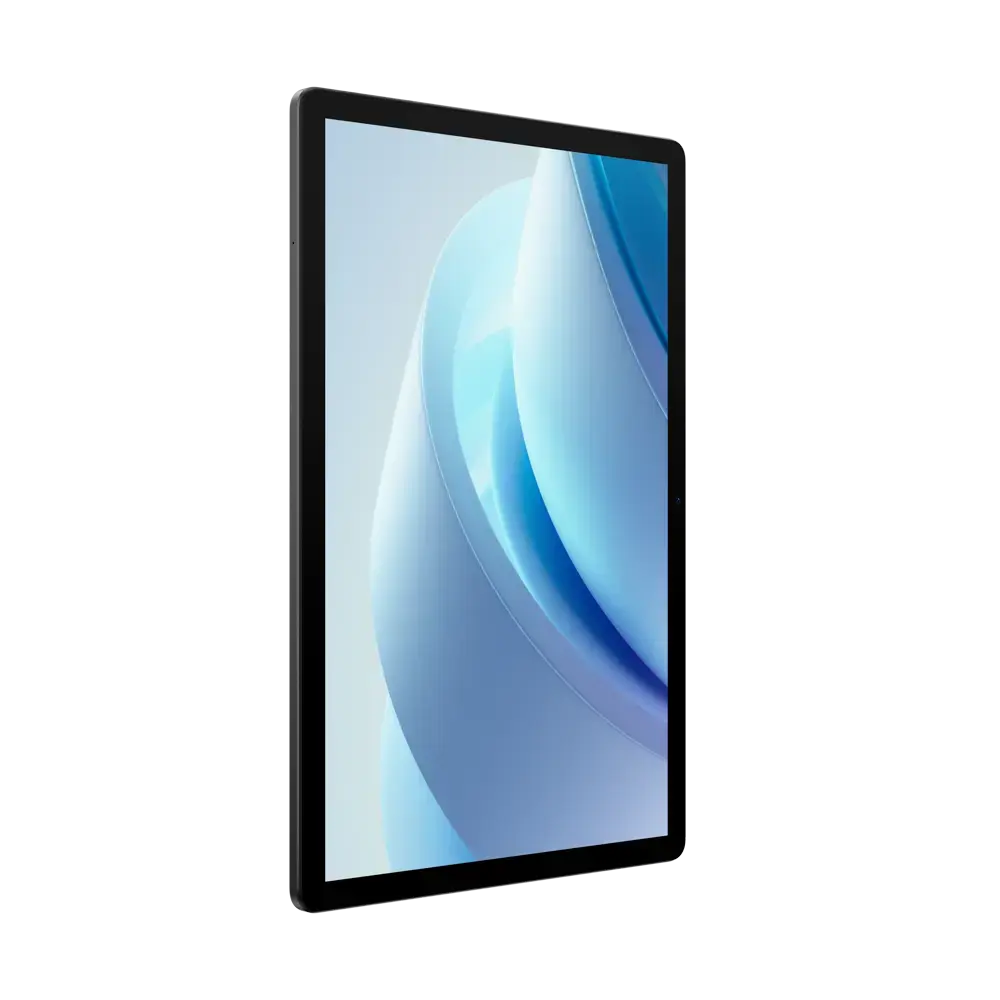
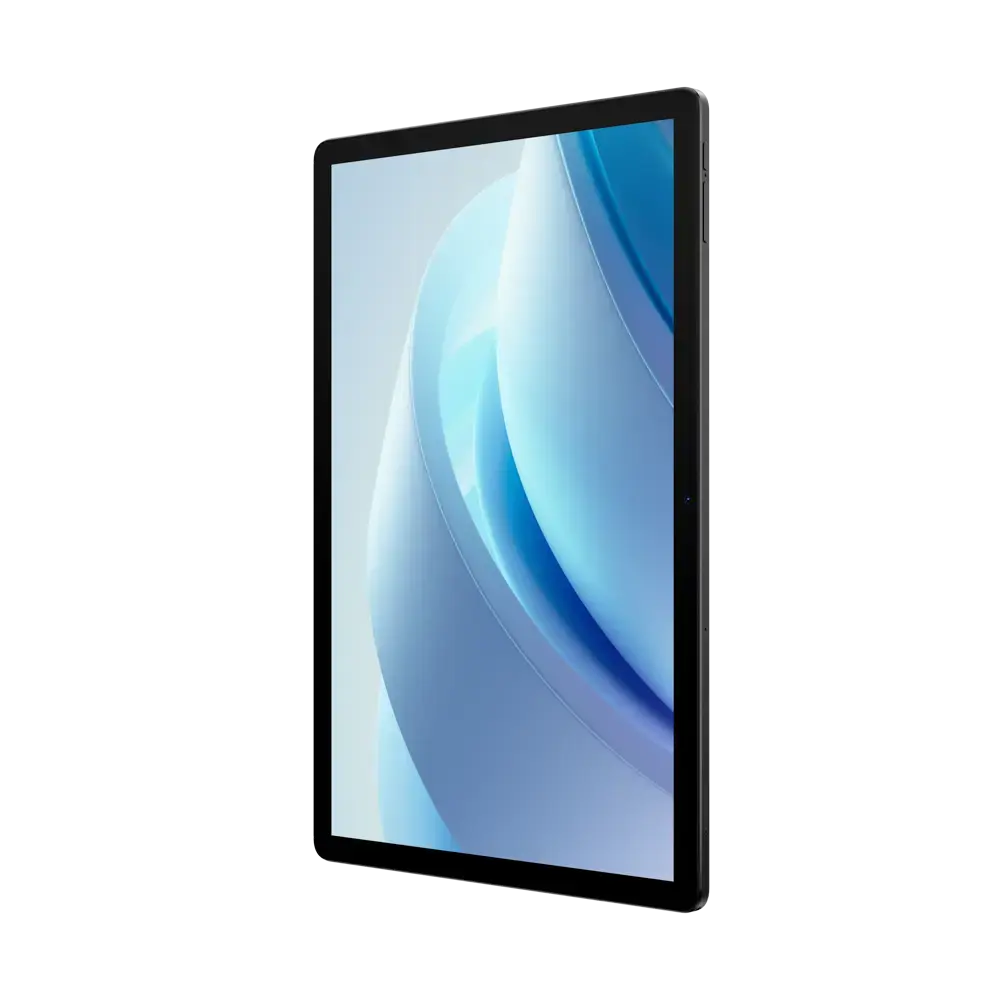

90Hz IPS tablet screen
Long tablet battery life
Extended memory support
UFS tablet storage
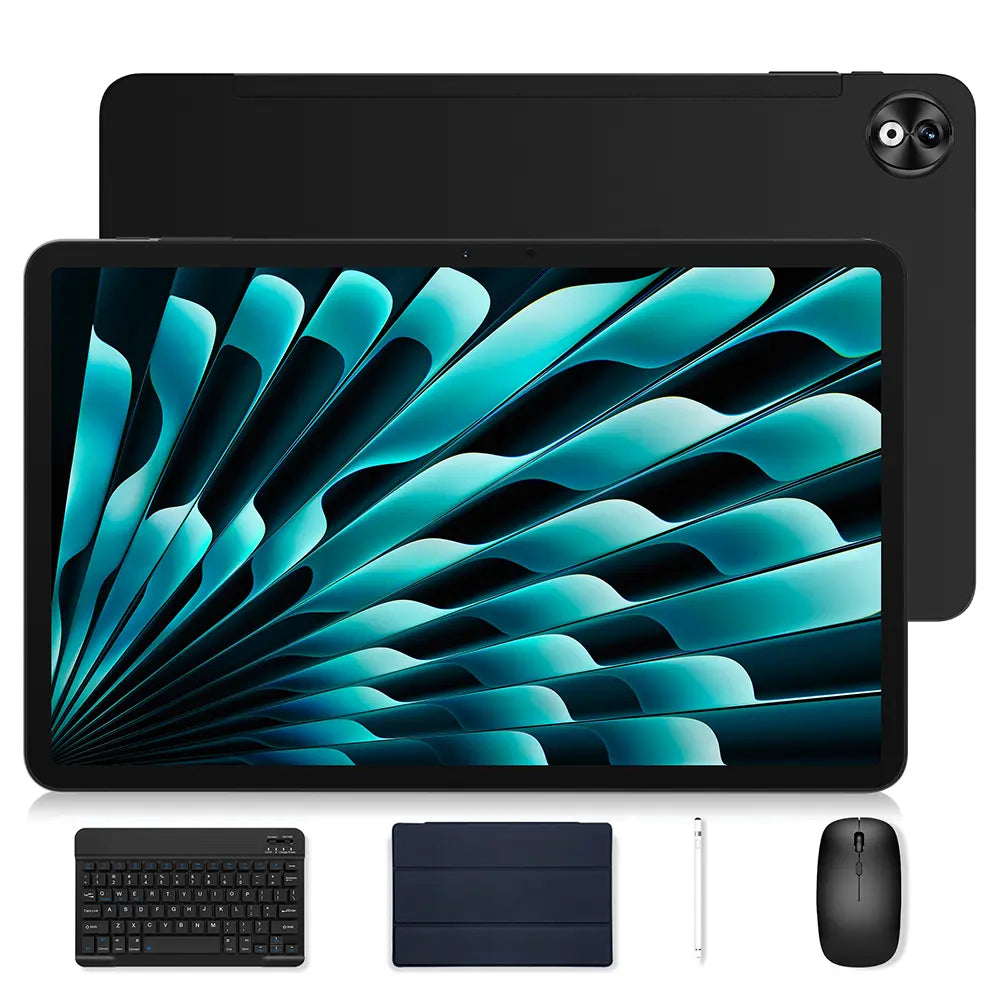
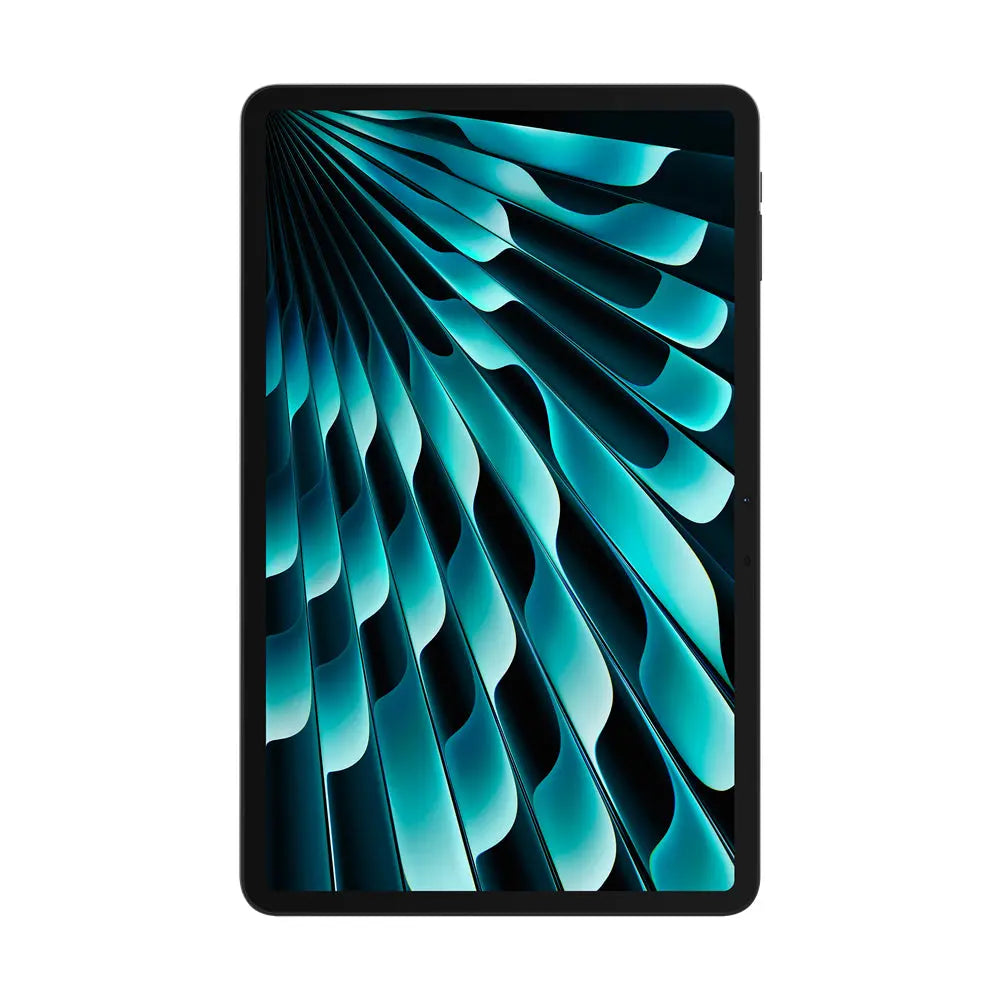
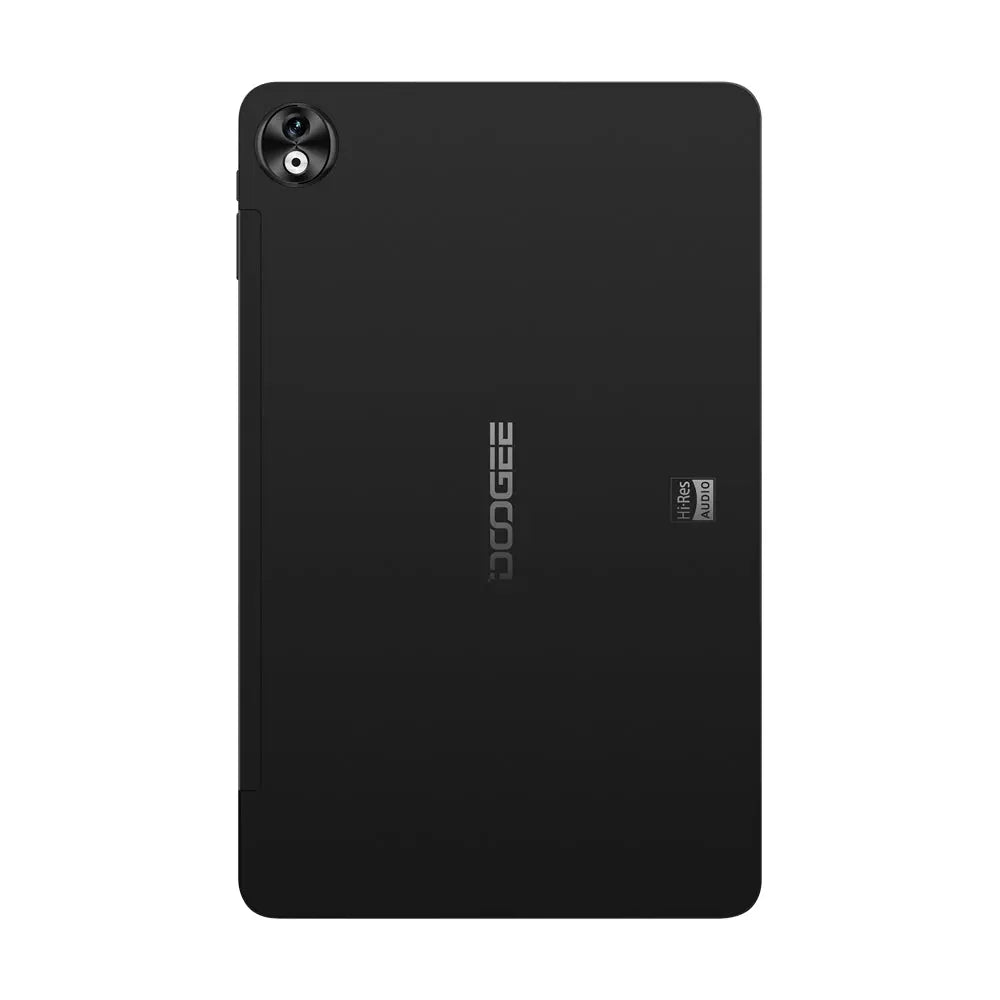
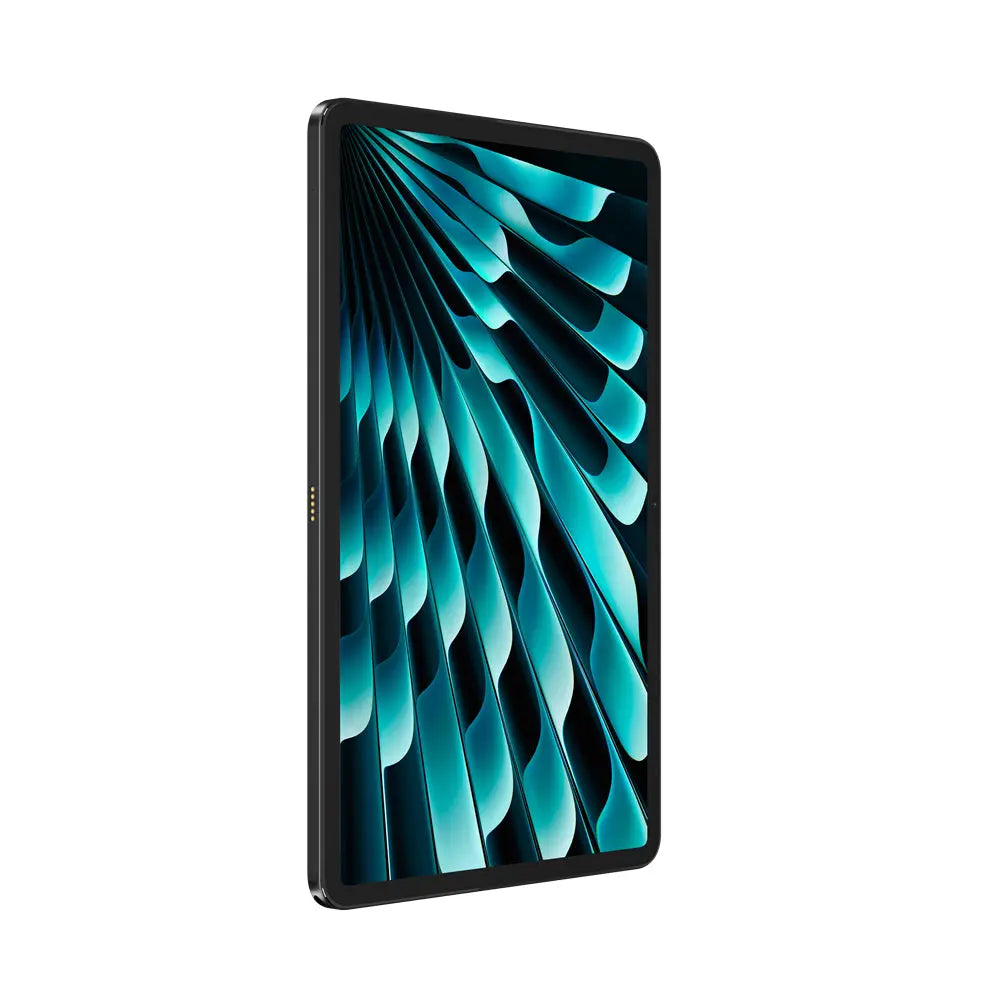

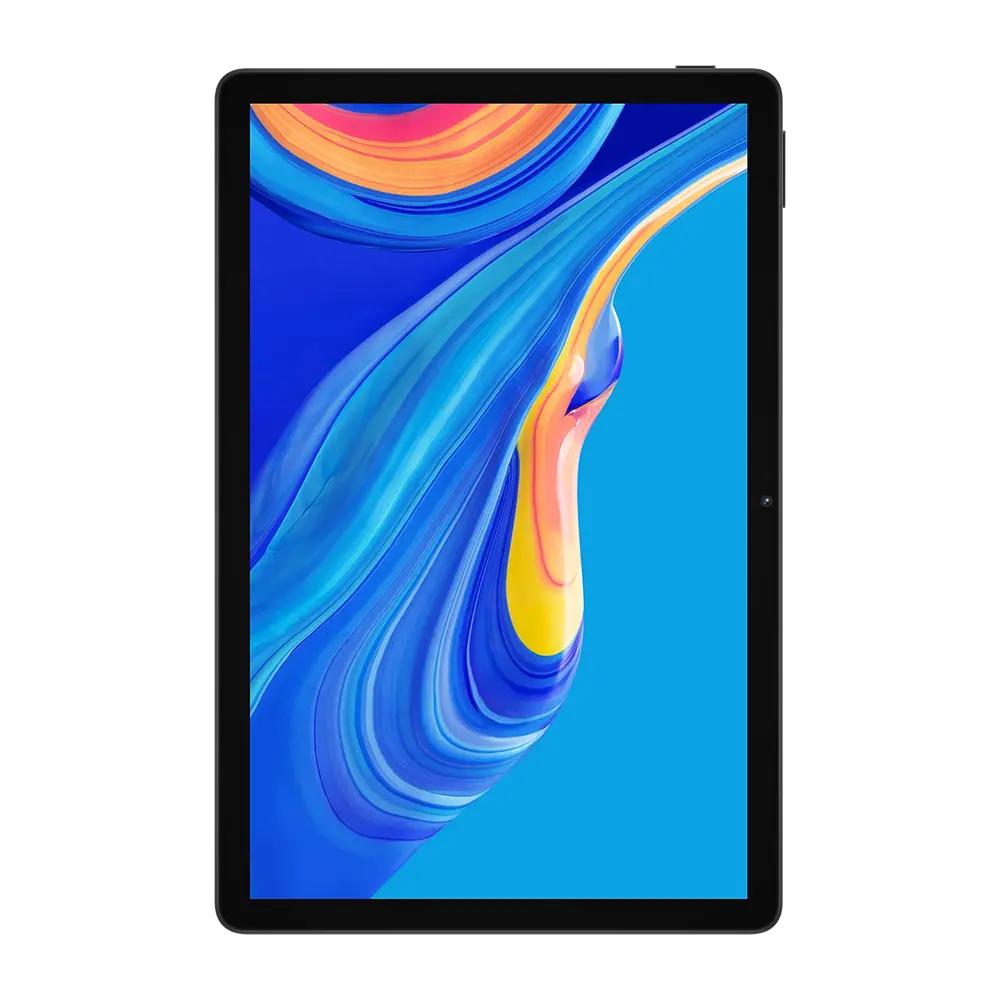


HD IPS tablet screen
Long tablet battery life

Updated Android experience

5MP front camera

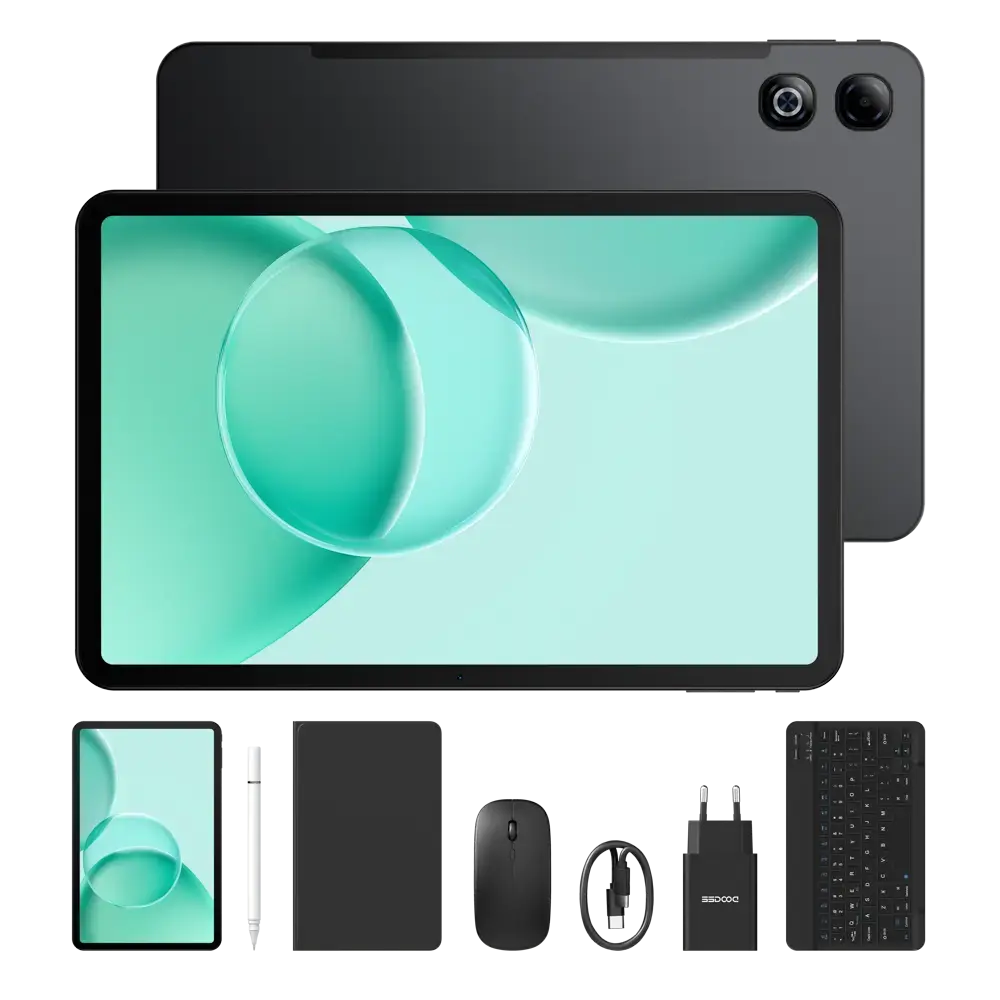


Large smooth tablet display
Long battery life
Fast tablet performance
Large memory and storage

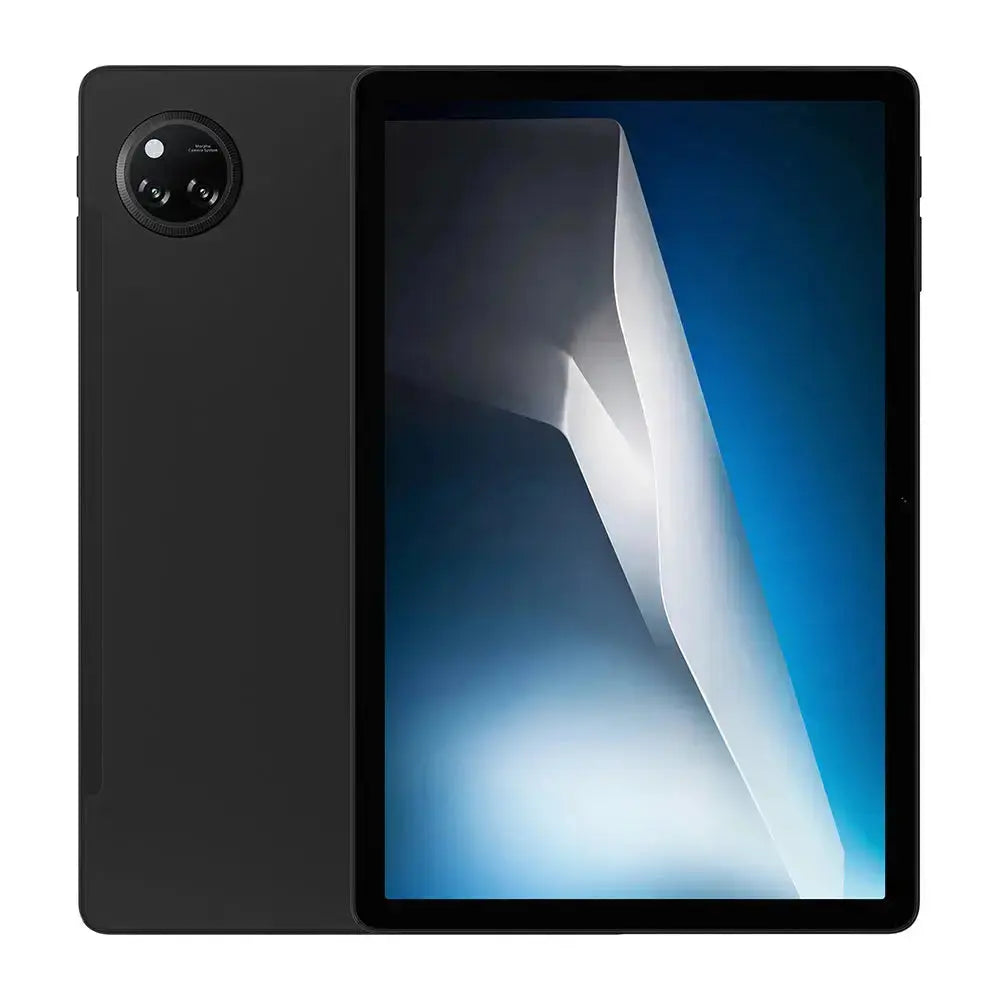


Large HD IPS screen
Long battery life
Fast everyday performance
More memory and storage

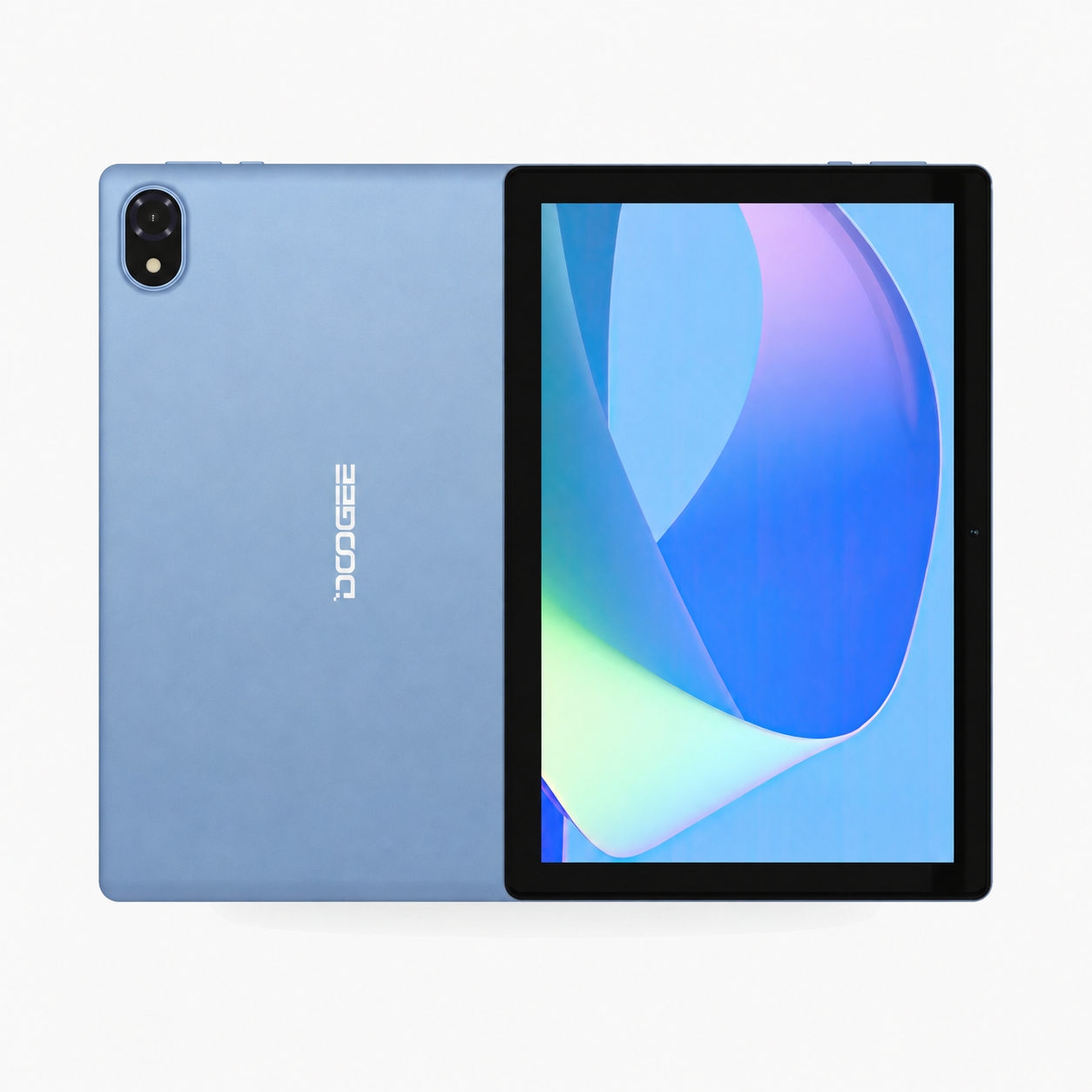
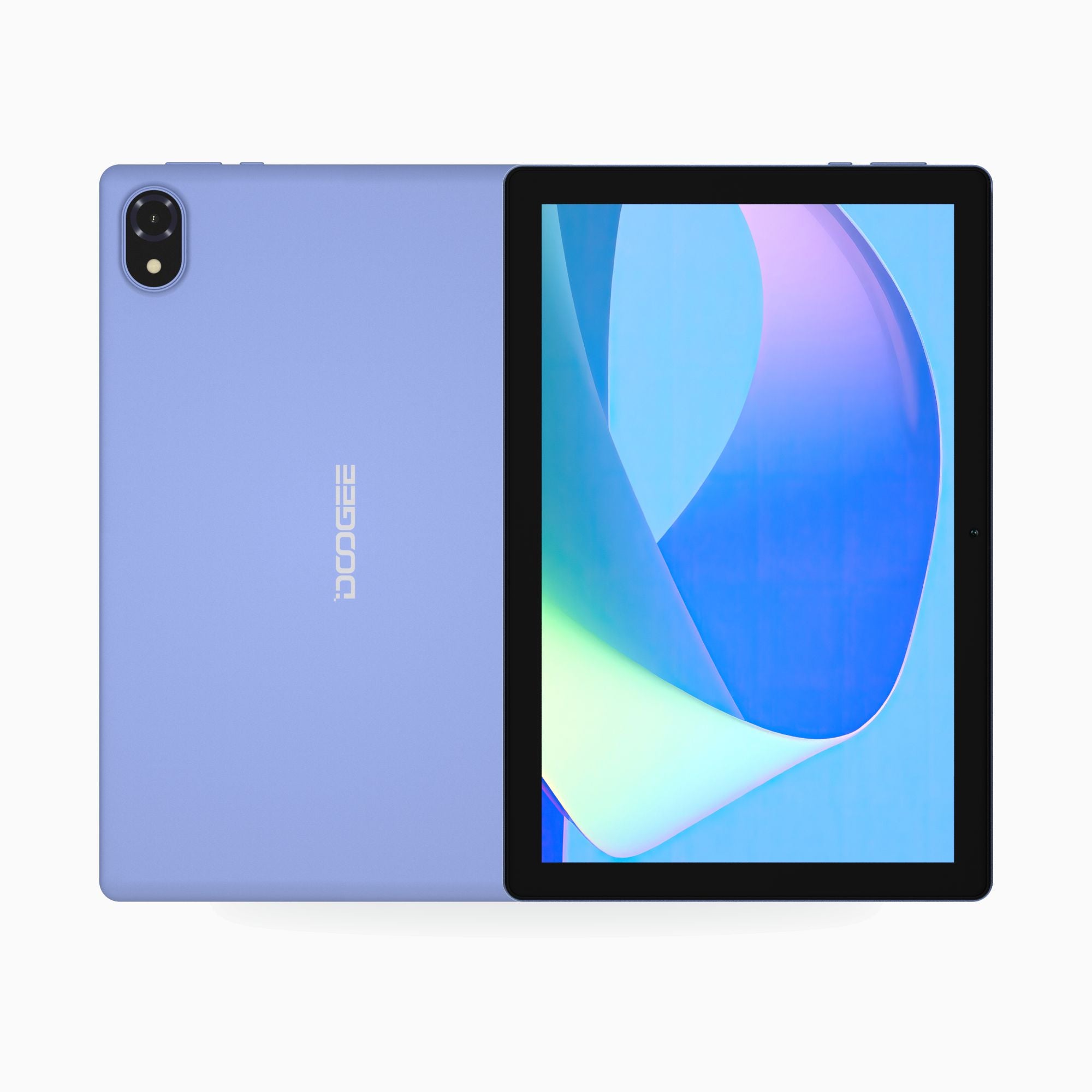

IPS tablet screen
10W Type-C charging

Fast wireless connection
5MP front camera

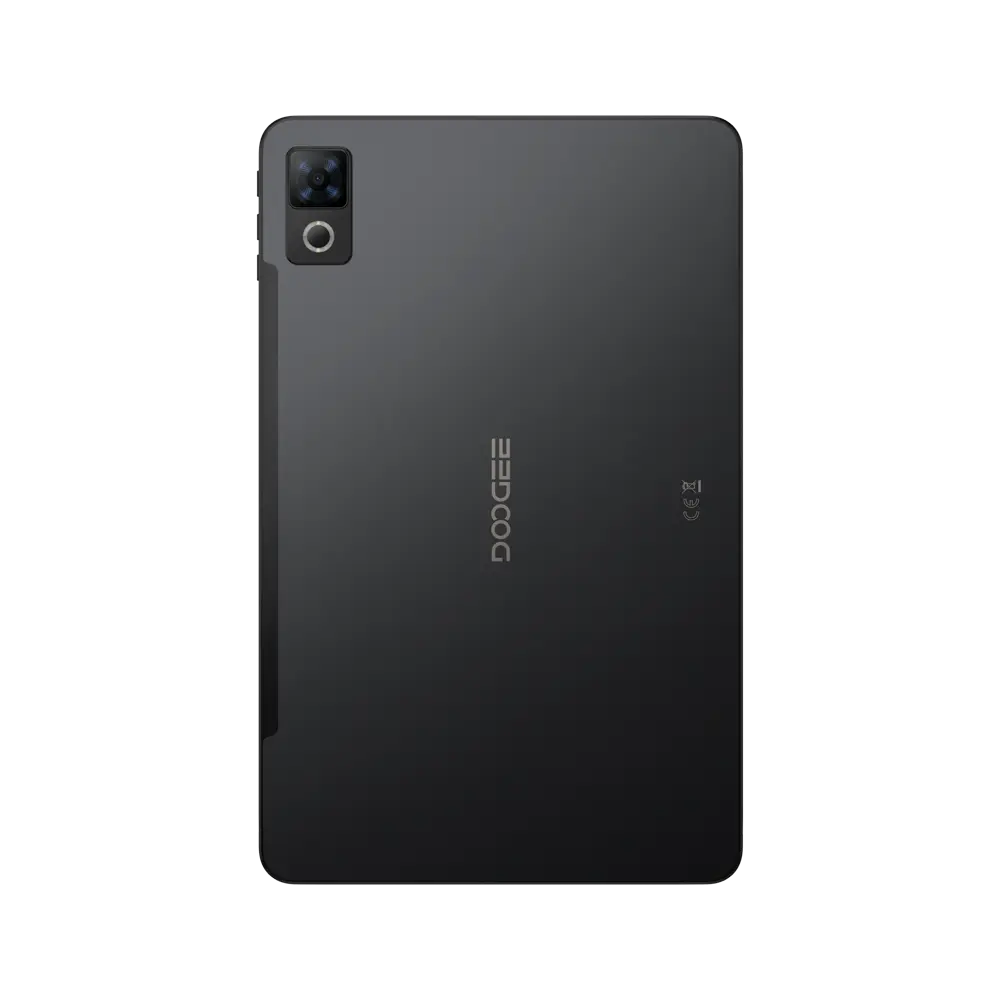


90Hz IPS tablet screen

Slim tablet body
Long tablet battery life
Extended memory support
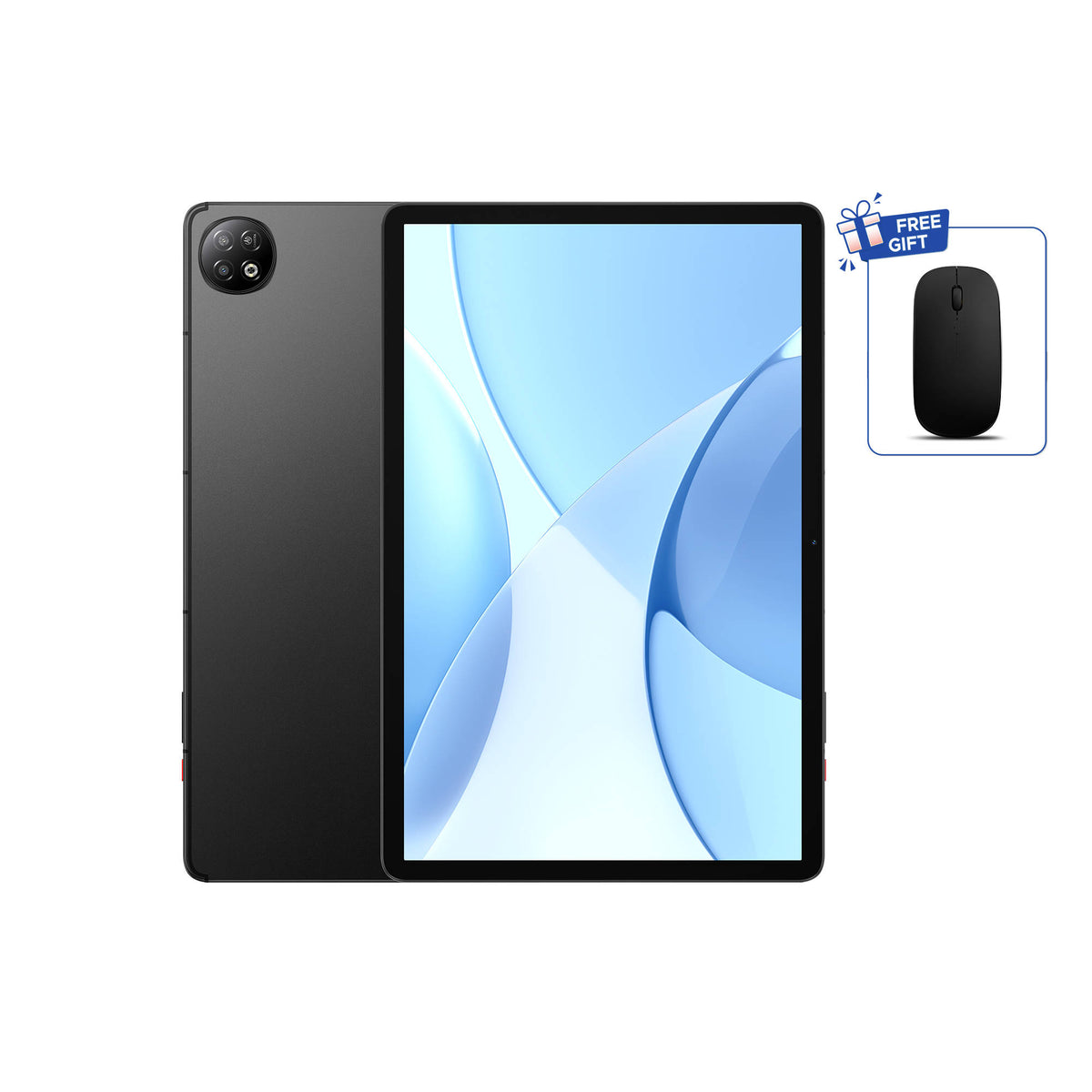
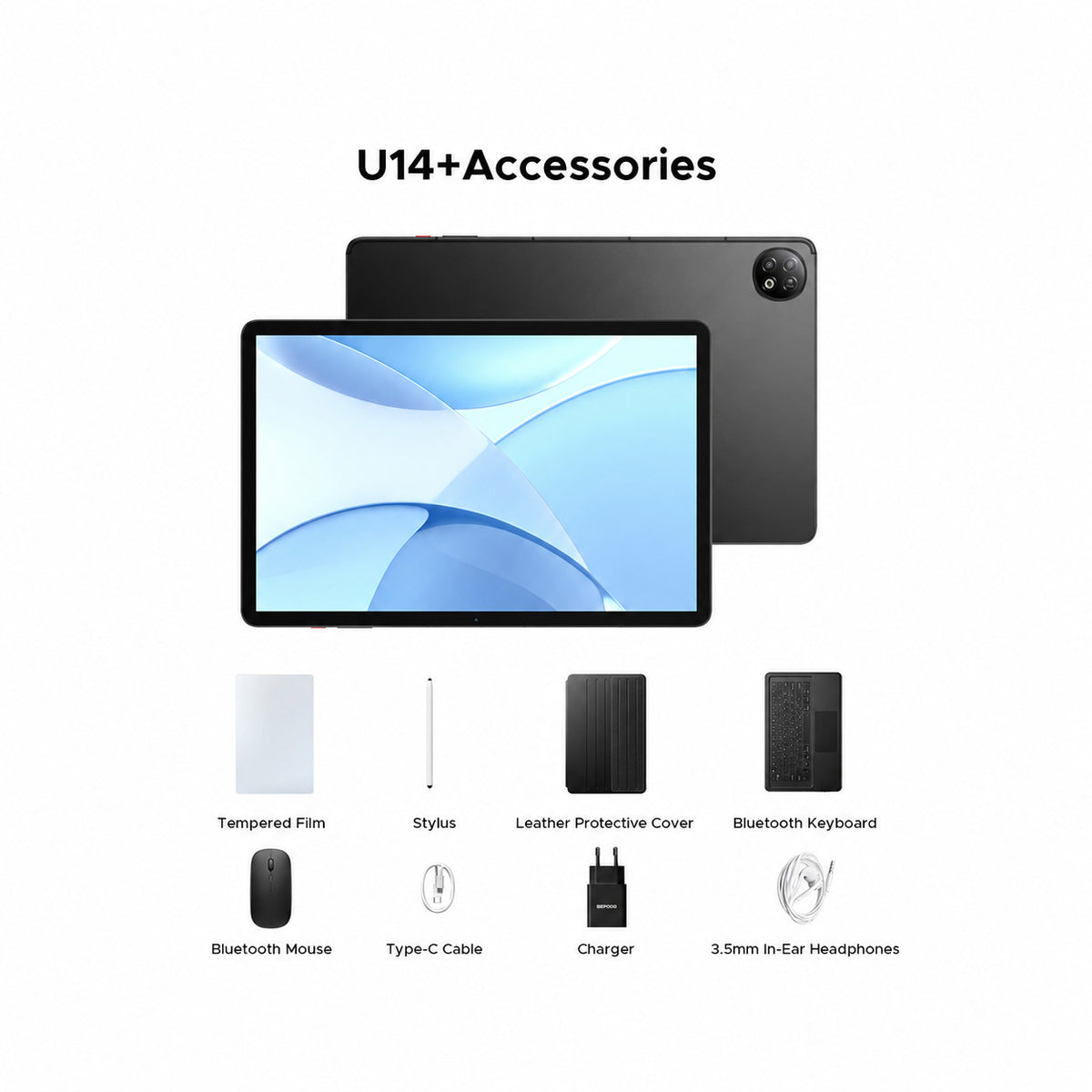
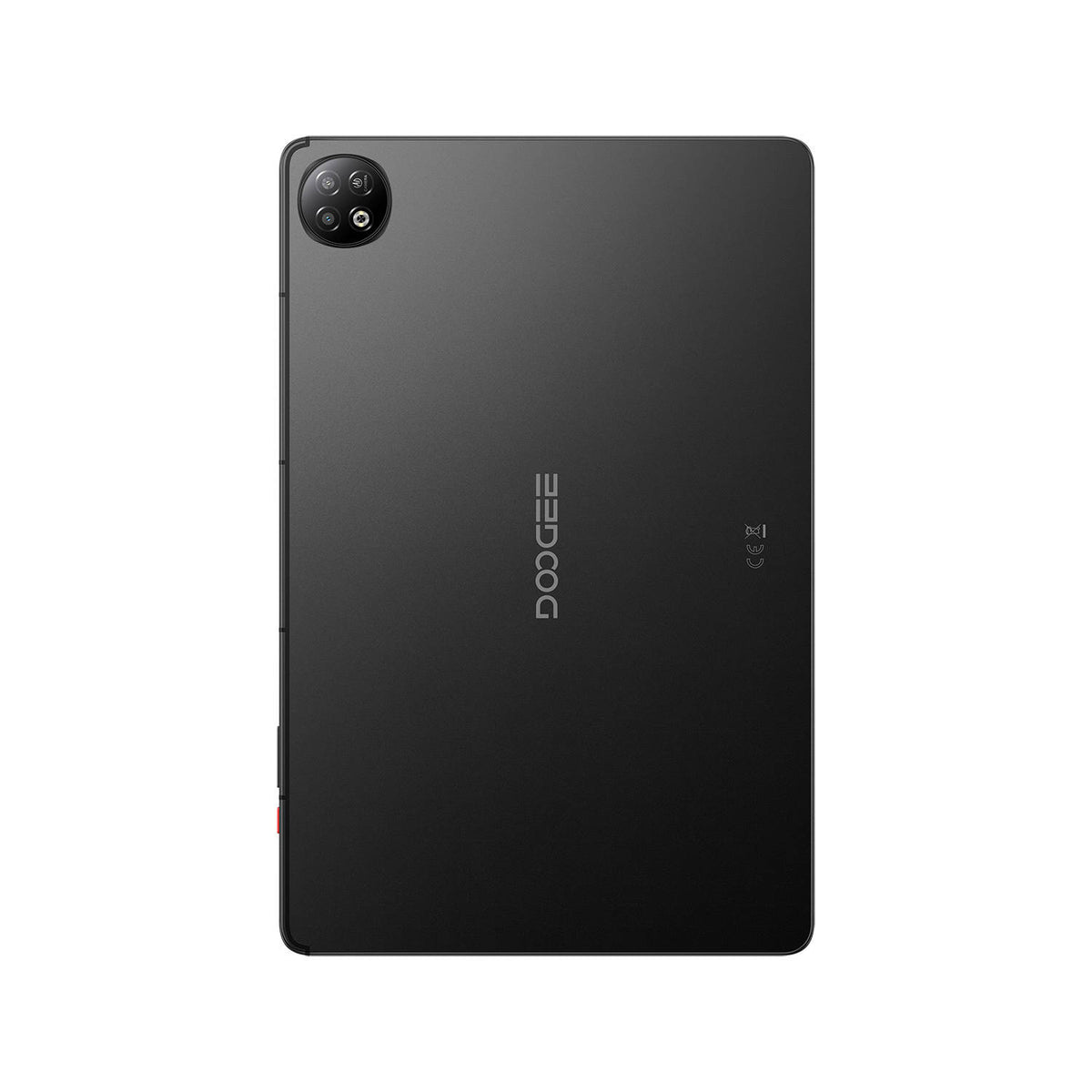
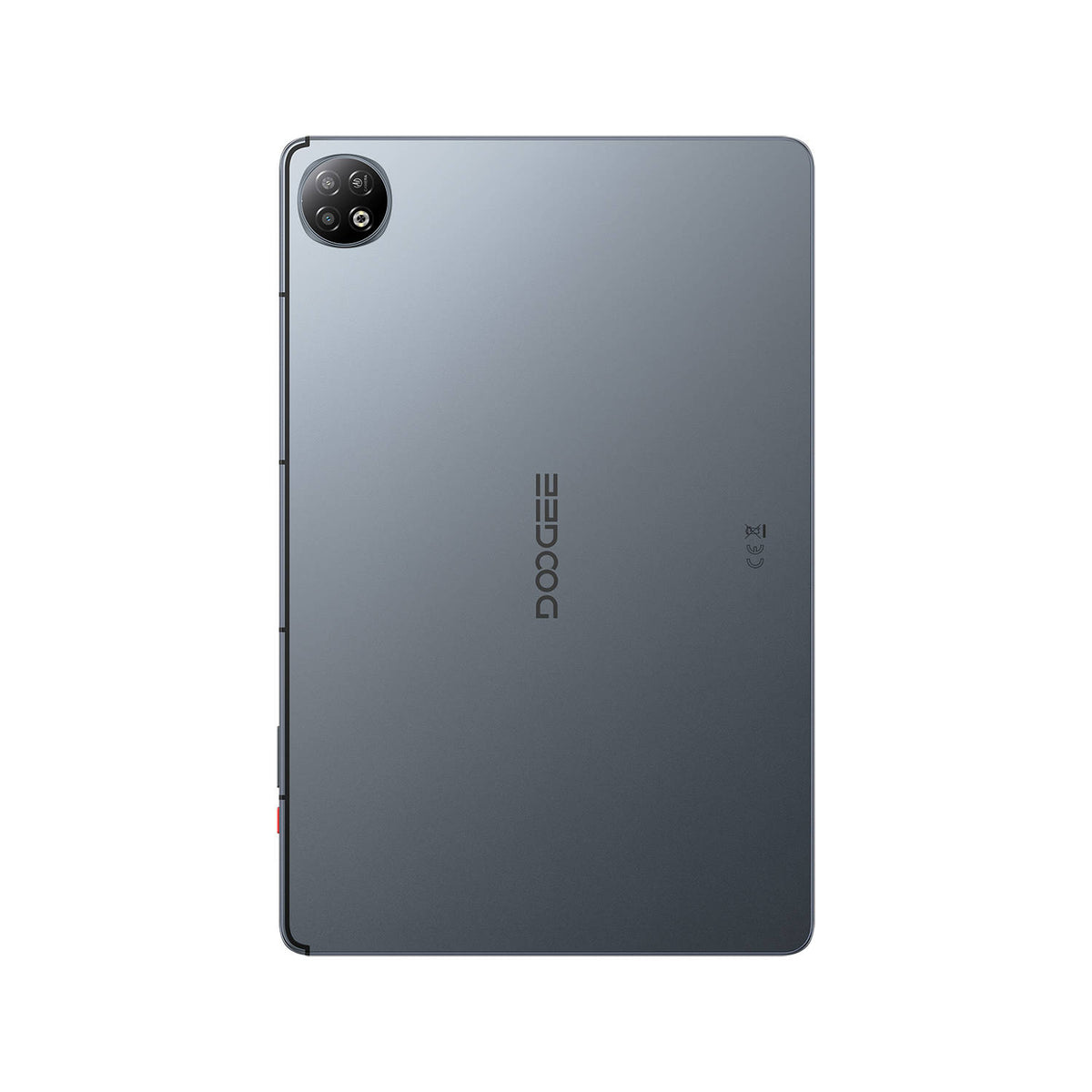
DOOGEE U14 Large Screen Tablet
90Hz IPS tablet screen
33W Fast Charging
Updated Android experience

Smarter Android experience


Smooth HD tablet screen
Long battery life
Fast everyday performance
Expandable memory support
DOOGEE Tablet Buying Guide FAQ
Choose a DOOGEE tablet by screen size, performance, connectivity, storage, battery, accessories, and whether it is intended for work, learning, or entertainment.
Which DOOGEE tablet series should I choose?
Choose the Tab Series when you want broader performance and productivity options across the A9, G6, and E3 families. Choose the U Series for accessible everyday tablets, family use, Kids editions, and VIP bundles on selected models.
What tablet screen size should I choose?
A smaller tablet is easier to carry and hold, while a larger display is better for split-screen work, documents, movies, and keyboard use. Check the exact dimensions and weight, not only the diagonal screen measurement.
Do DOOGEE tablets support SIM cards and mobile data?
Connectivity varies by model. Some tablets support mobile networks and SIM cards, while others are Wi-Fi only. Check the network specification, supported bands, SIM format, and calling capability on the exact product page.
Are a keyboard, stylus, case, or charger included?
Package contents depend on the model and selected bundle. VIP or bundle editions may include accessories that the standard tablet does not. Review the packing list and selected variant before checkout.
Can I expand the tablet's storage?
Many models support a microSD or TF card, but the maximum capacity and slot design vary. Also compare physical RAM, internal storage, and extended RAM separately.
How long will a DOOGEE tablet battery last?
Runtime depends on screen brightness, mobile signal, video, gaming, navigation, keyboard use, and background apps. Compare battery capacity and charging speed, but use the product-page runtime claims only as estimates under stated test conditions.