

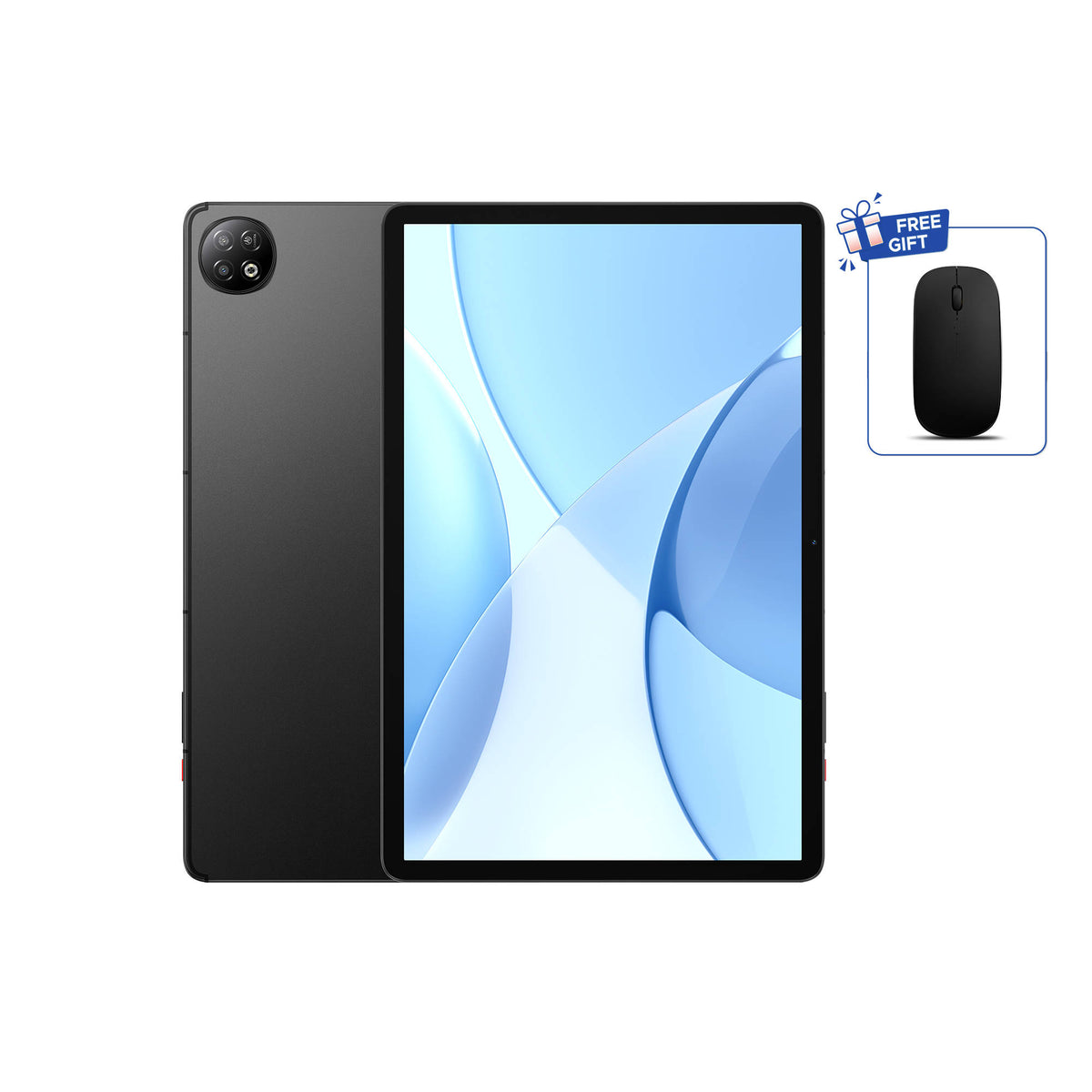
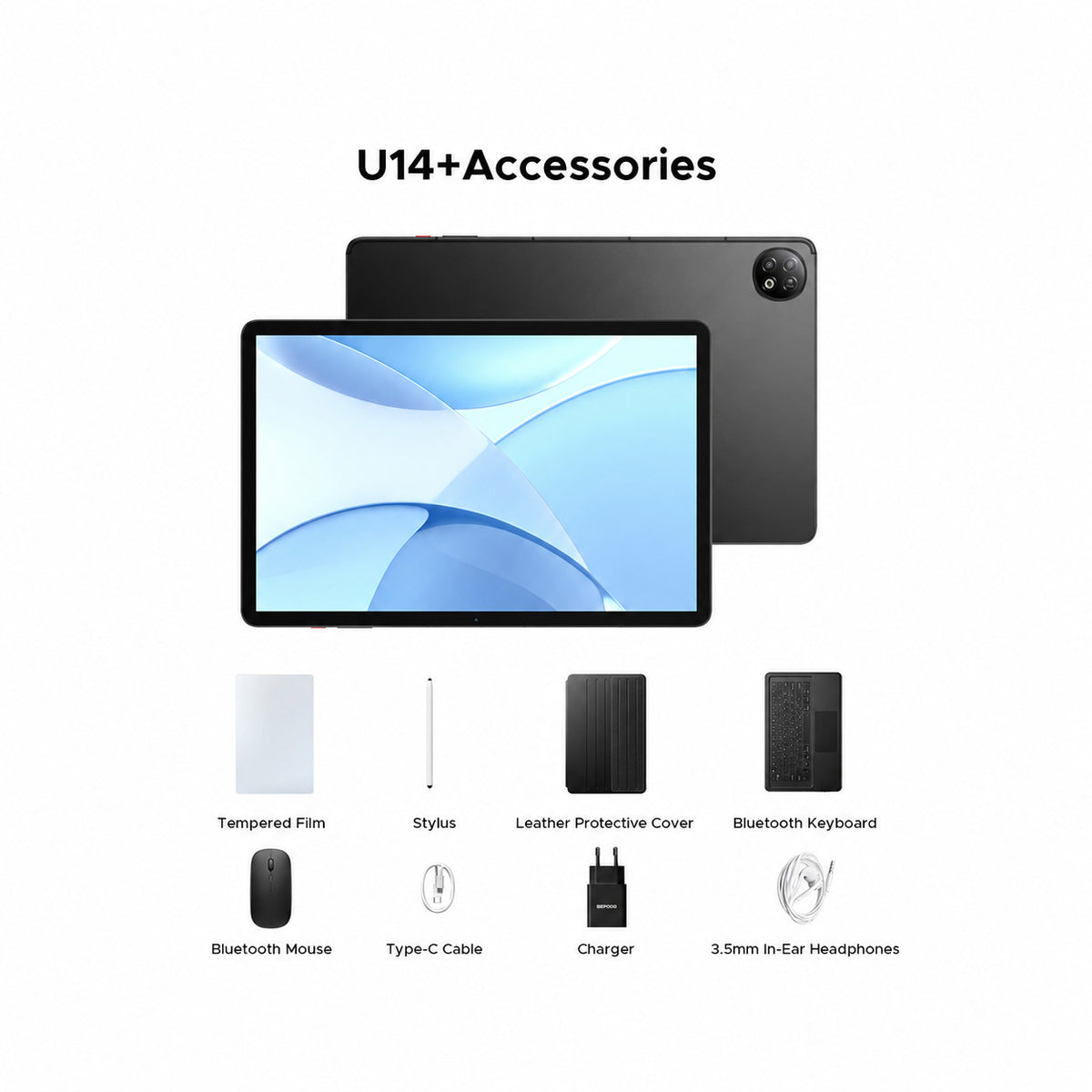
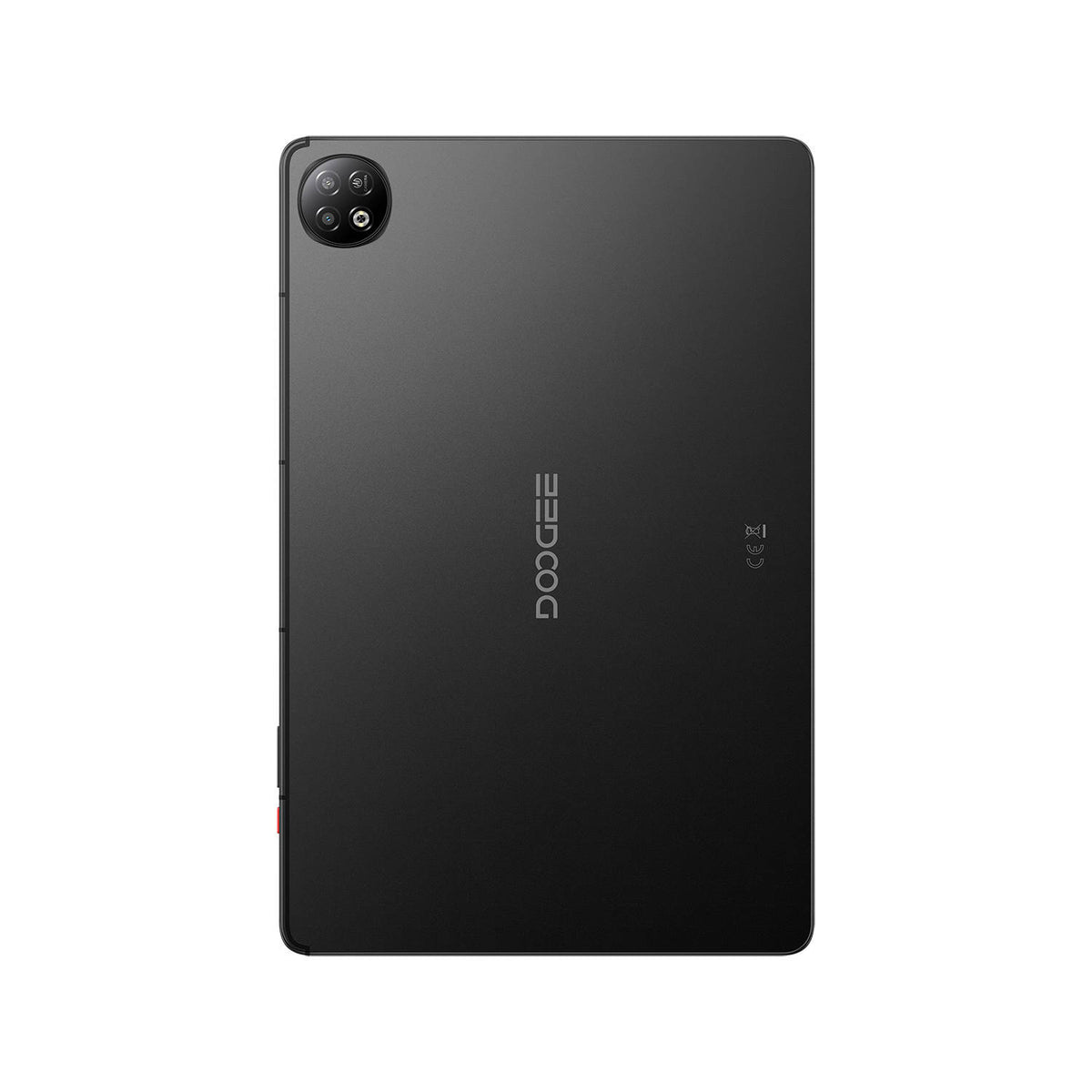
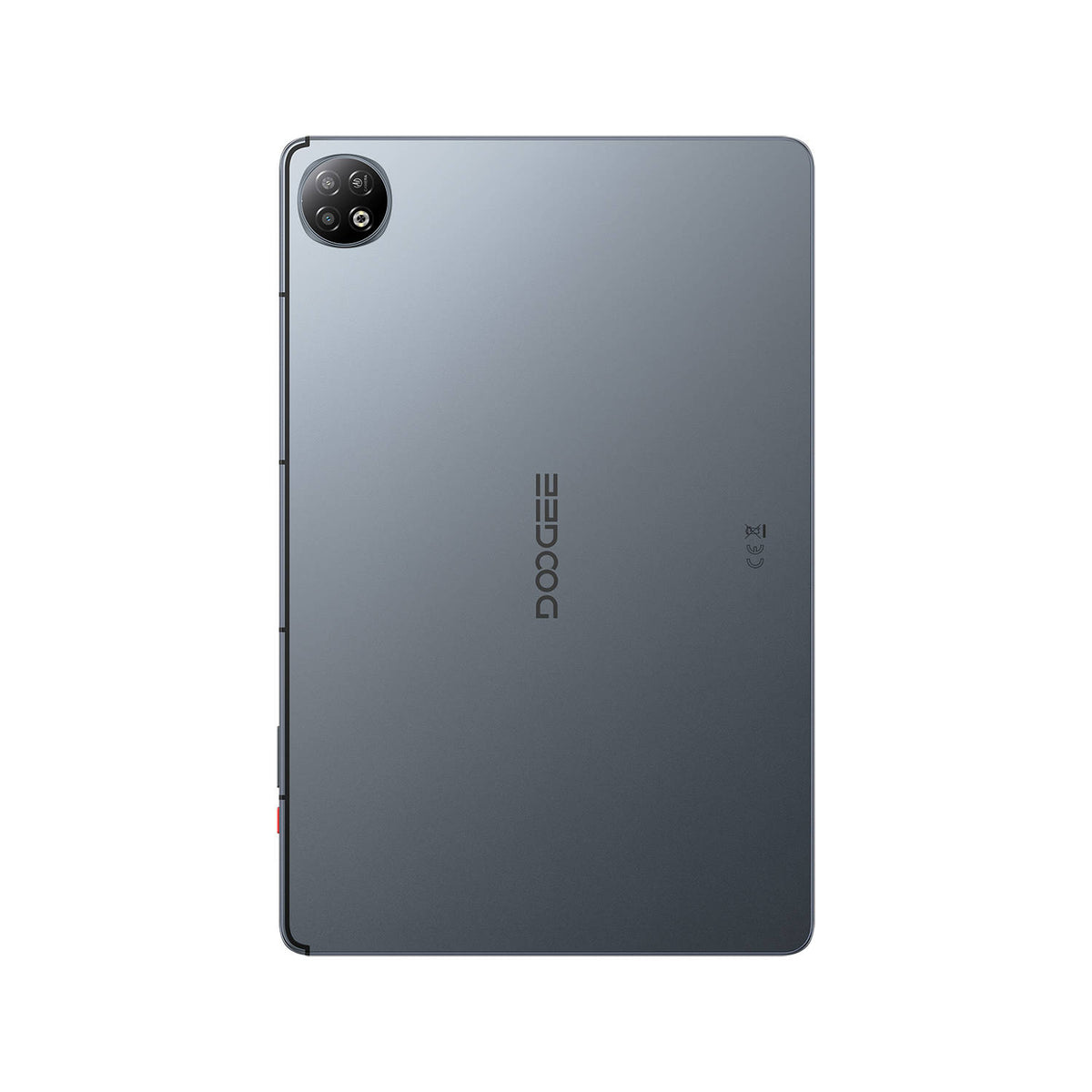
DOOGEE U14 Large Screen Tablet

90Hz IPS tablet screen

33W Fast Charging

Updated Android experience

Smarter Android experience

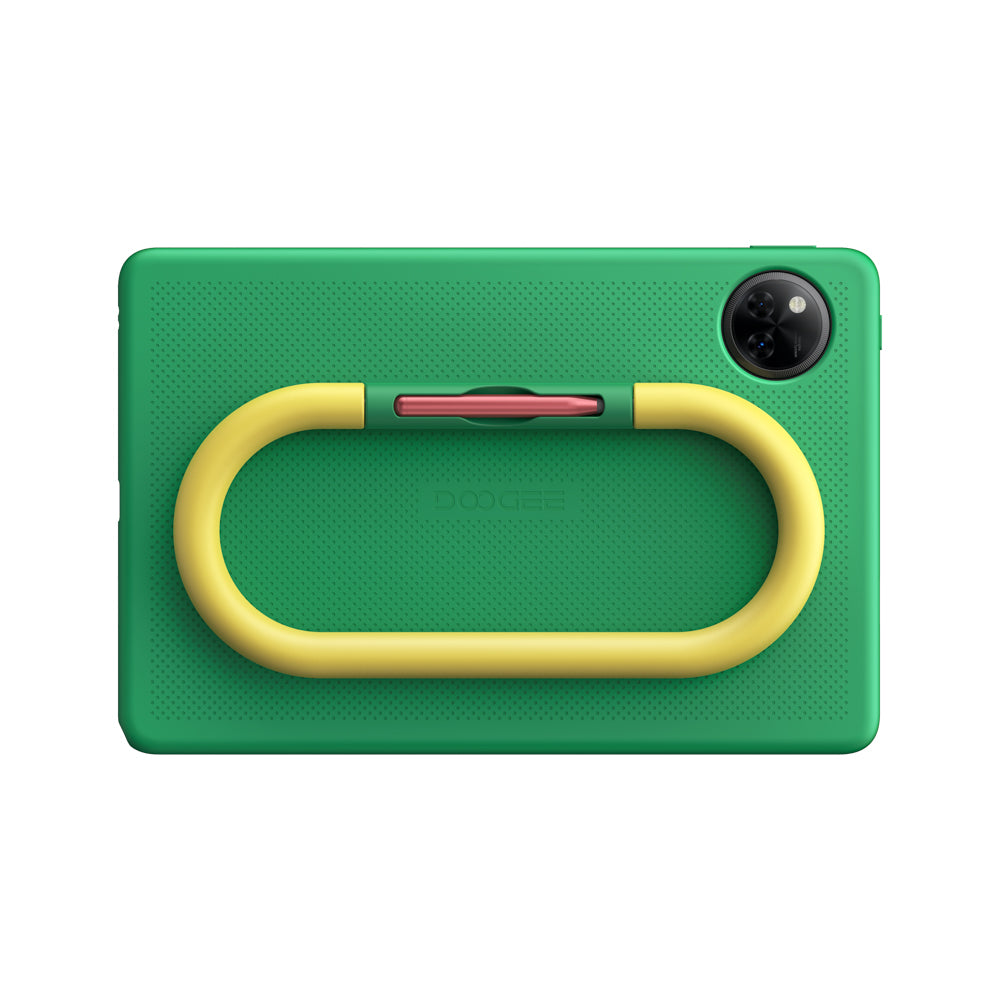
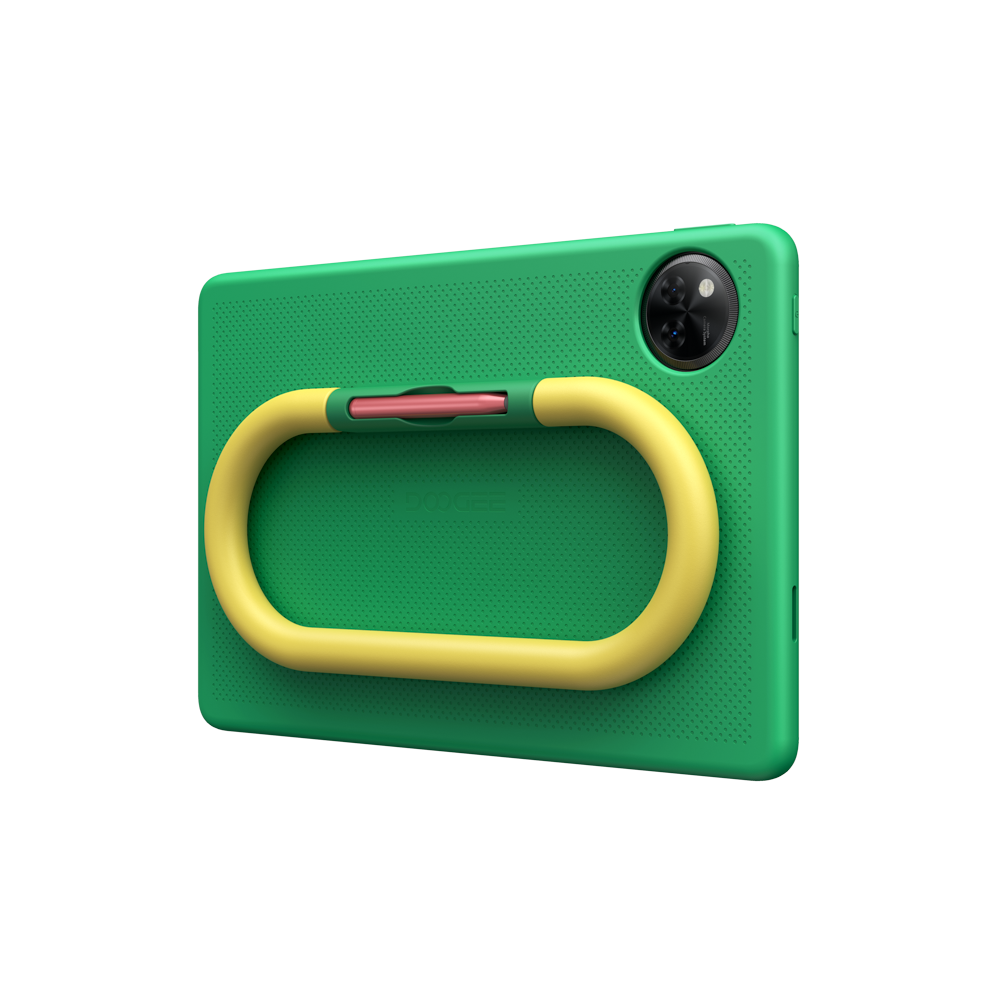
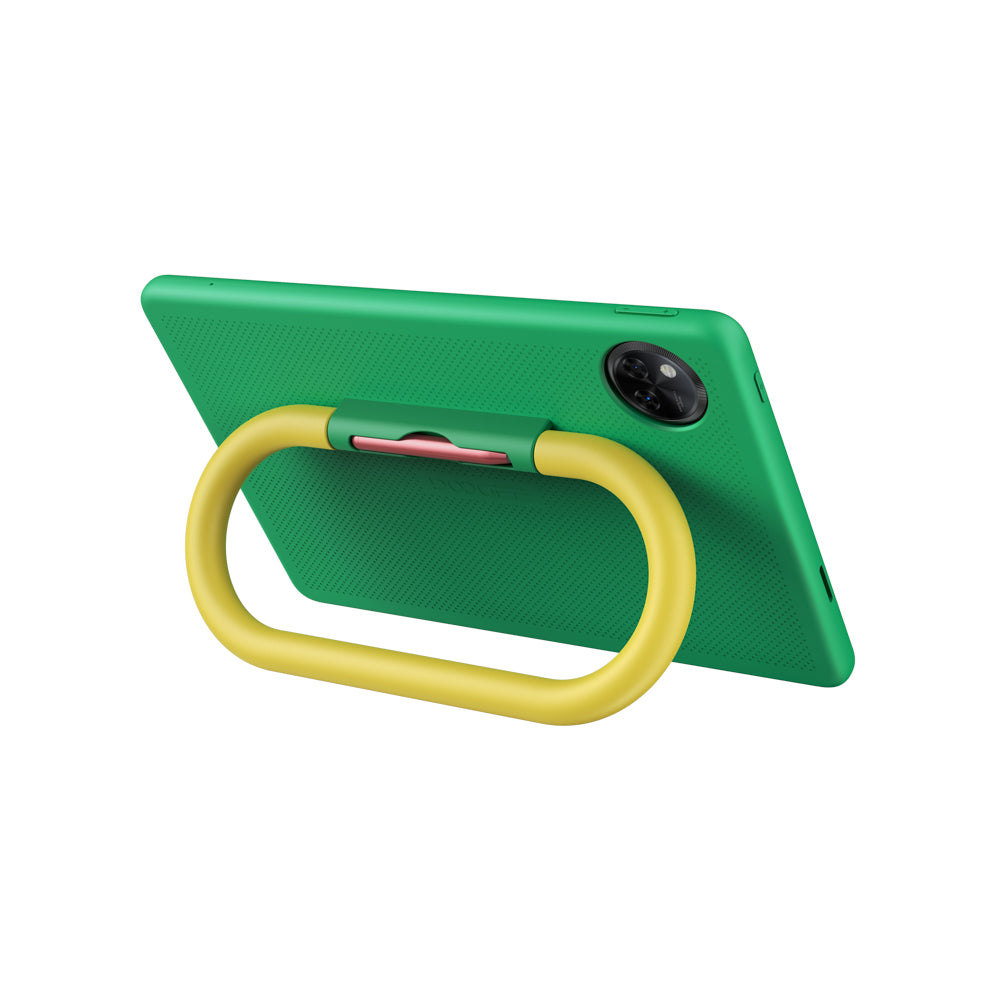

Kids apps and silicone case
HD IPS tablet screen
Long tablet battery life

Extended memory support


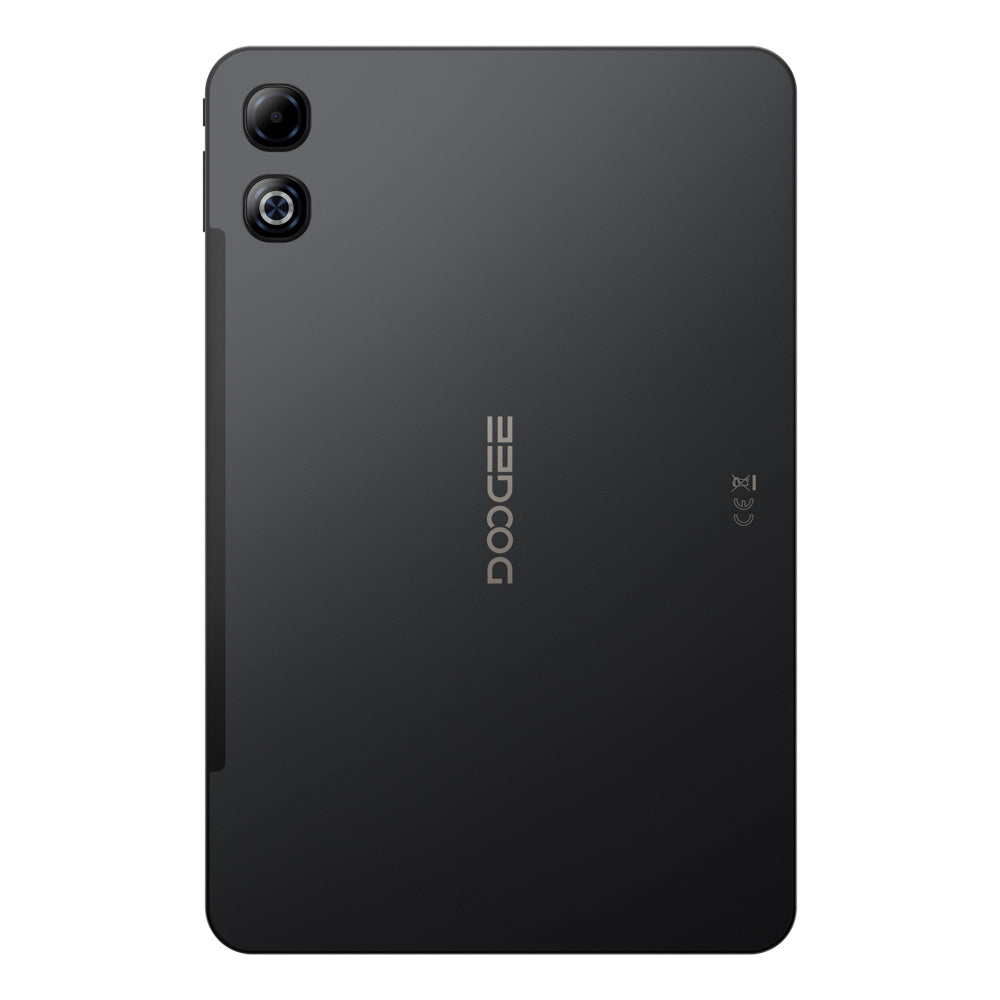
Large FHD+ tablet screen
Long tablet battery life
Extended memory support

6nm octa-core processor

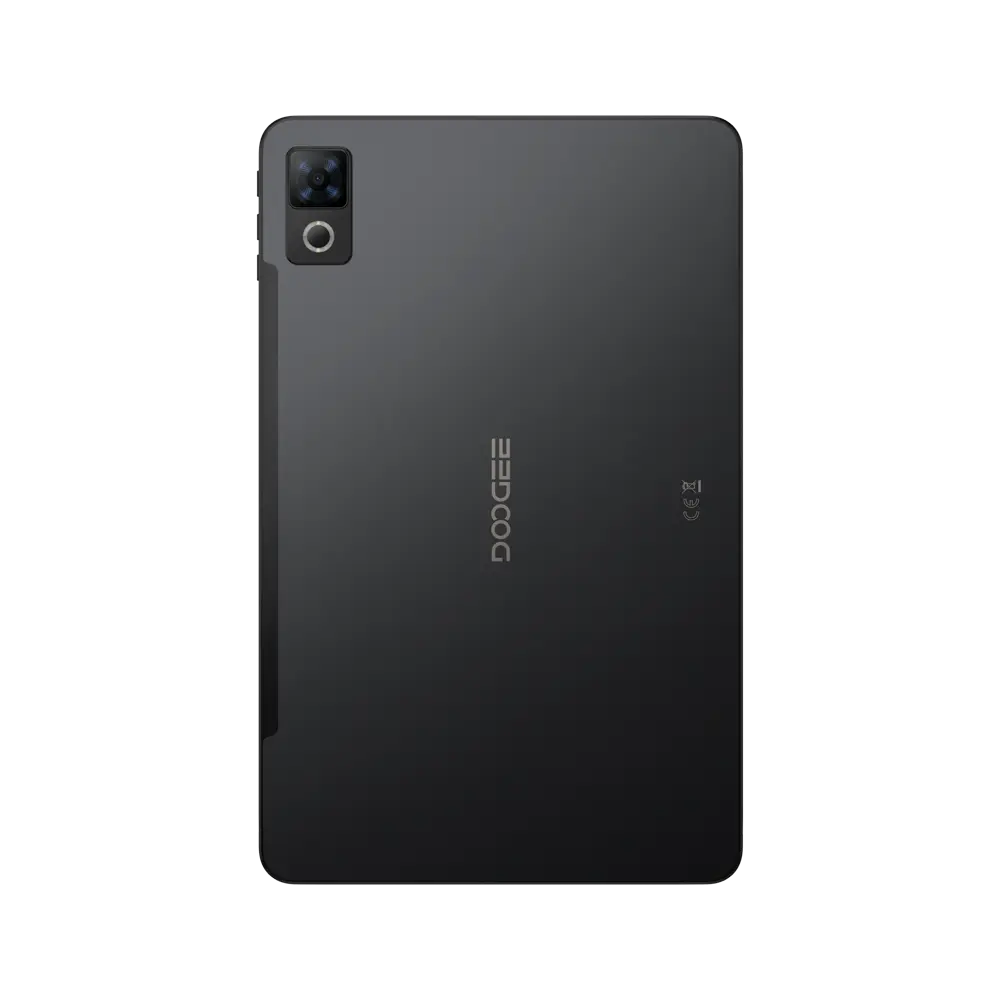


90Hz IPS tablet screen

Slim tablet body
Long tablet battery life
Extended memory support

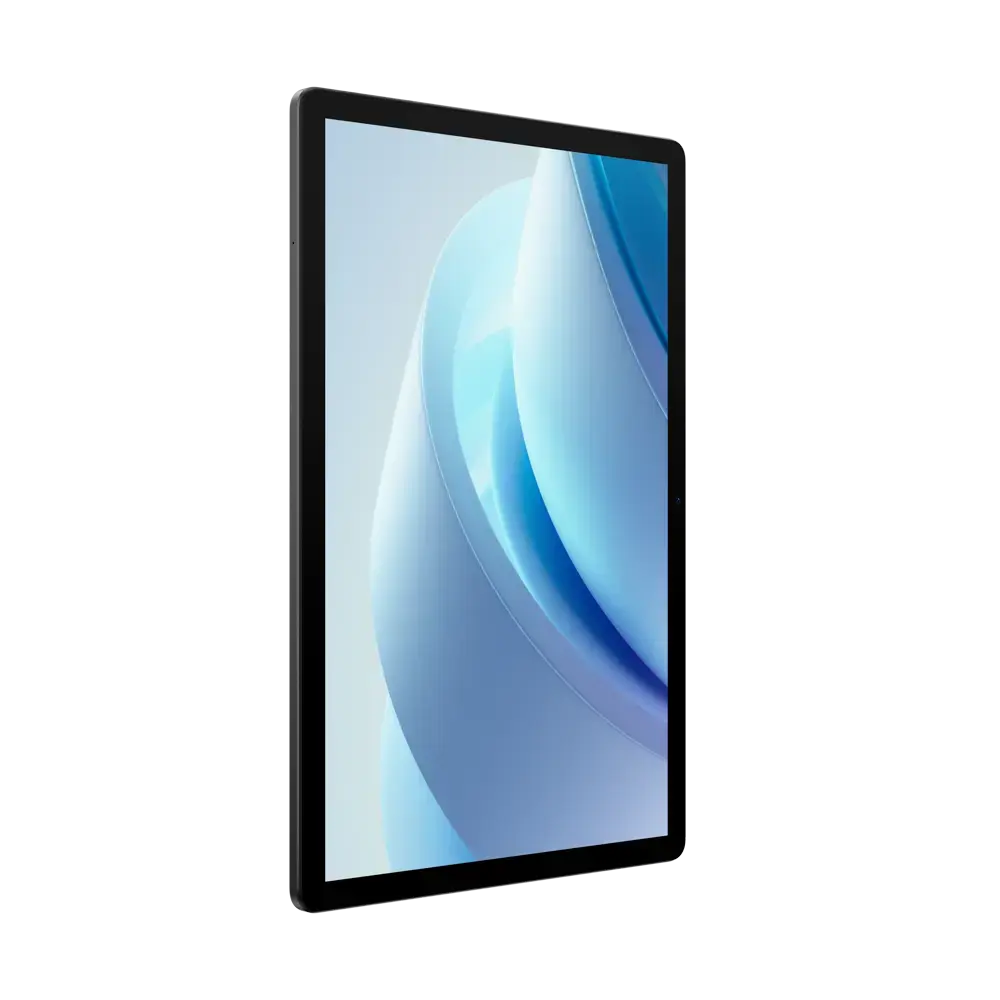
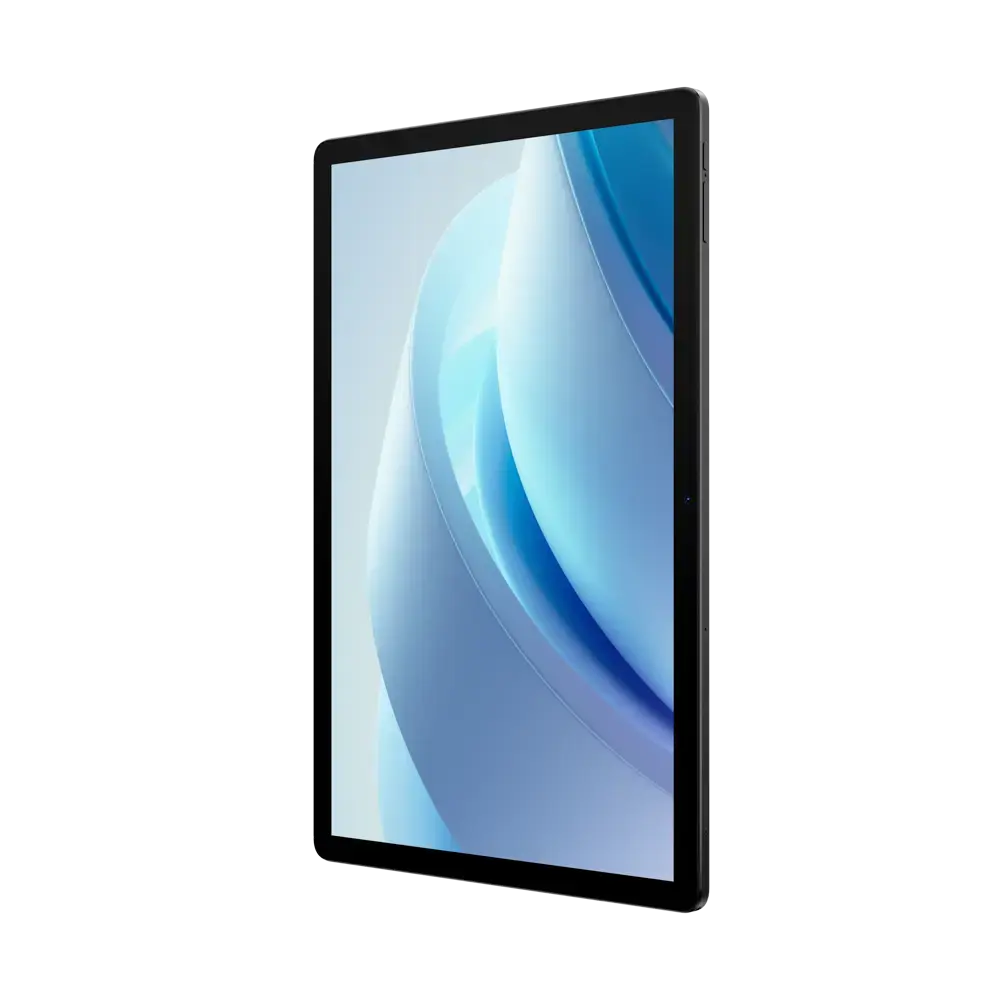

90Hz IPS tablet screen
Long tablet battery life
Extended memory support
UFS tablet storage


HD IPS tablet screen
Extended memory support
UFS tablet storage
Long tablet battery life

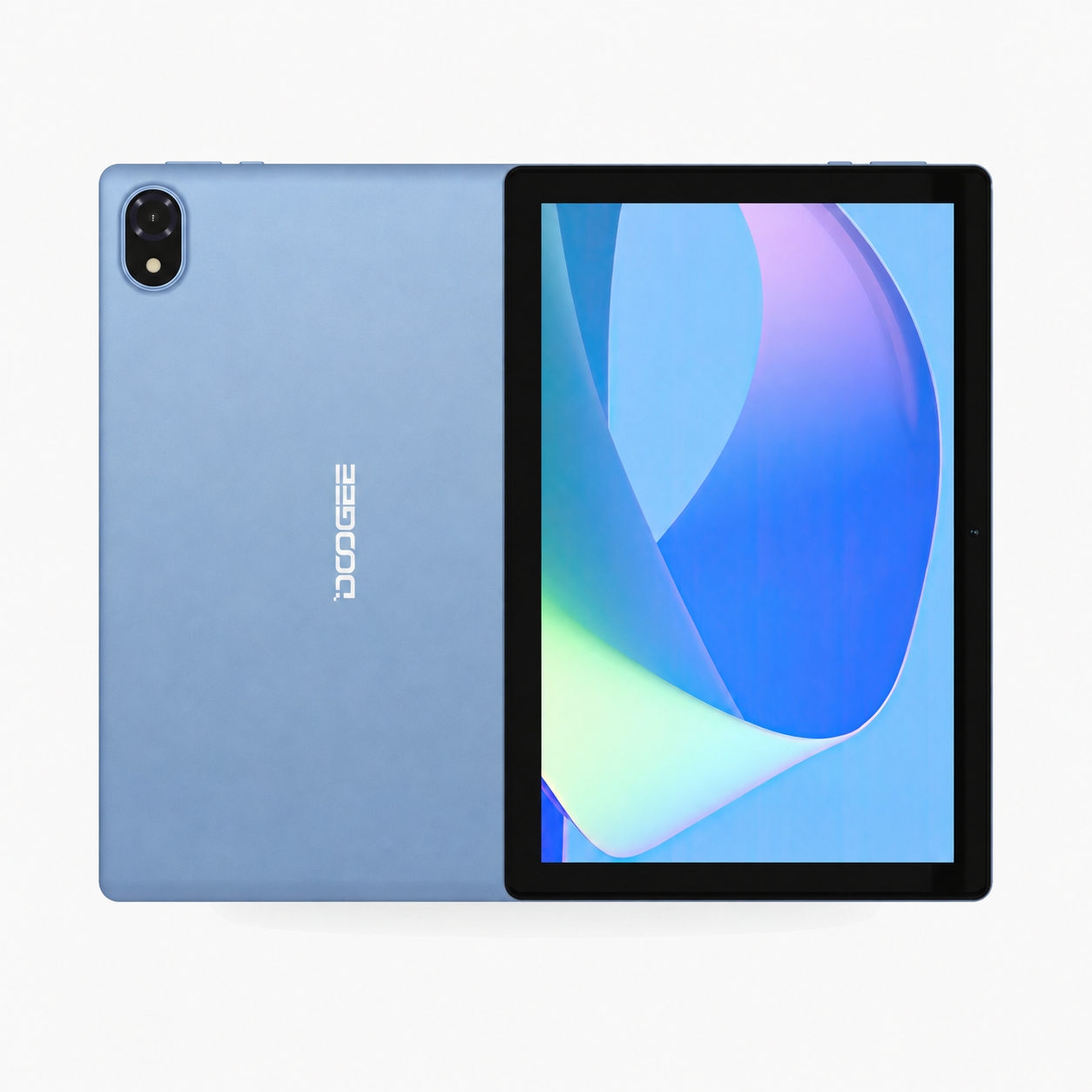
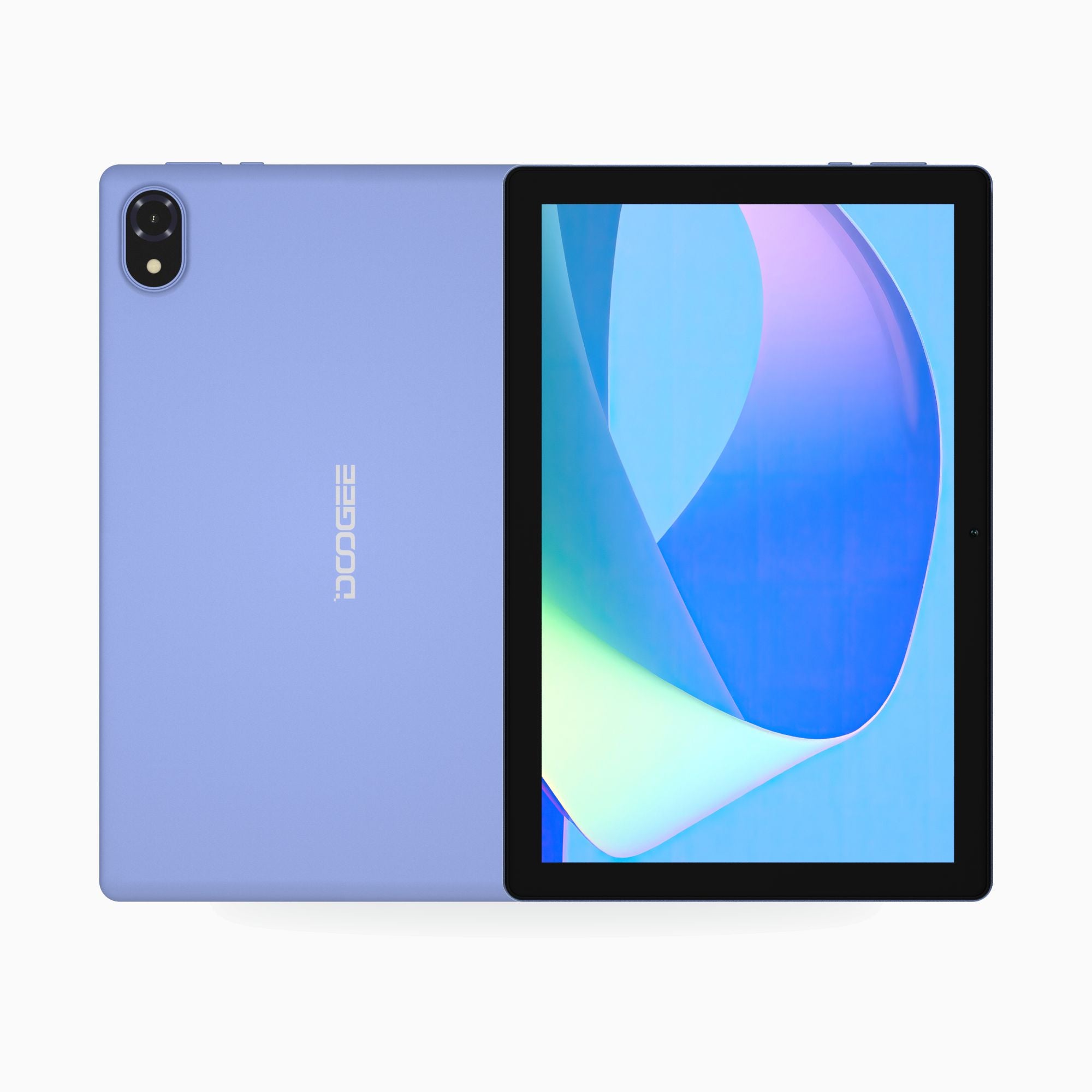

IPS tablet screen
10W Type-C charging

Fast wireless connection

5MP front camera

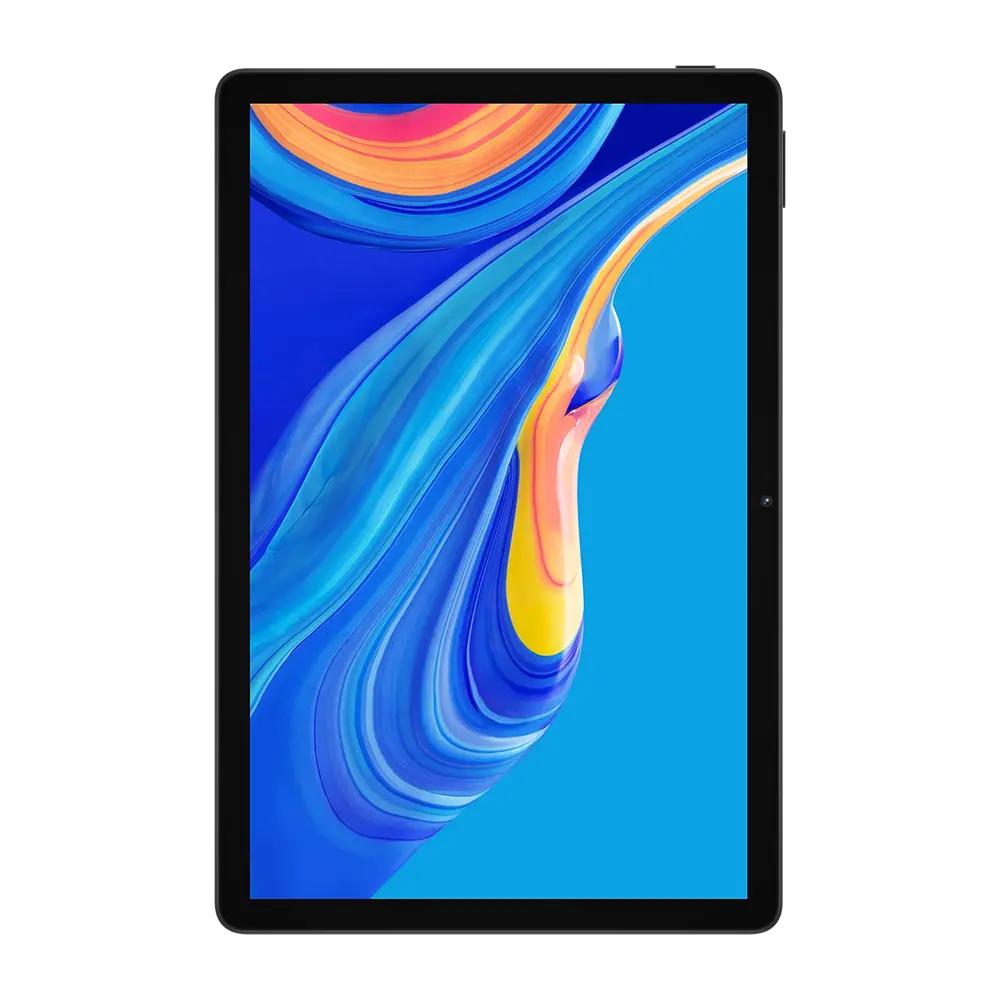


HD IPS tablet screen
Long tablet battery life
Updated Android experience
5MP front camera
U Series Buying Guide FAQ
Compare U10, U11, U12, and U13 tablets for family use, learning, entertainment, and everyday value.
What is the DOOGEE U Series?
The U Series is DOOGEE's accessible tablet range for browsing, video, study, light productivity, and family use. Current options include U10, U11, U12, and U13 generations with different screen, memory, and bundle configurations.
Which U Series tablet should I choose?
Compare display size and resolution first, then physical RAM, storage, processor, battery, network support, and package contents. Choose a newer Pro model for a stronger specification, a Kids model for child-focused use, or a VIP bundle when you need included accessories.
What is different about U11 Kids?
U11 Kids is intended for family and child-focused use. Confirm the included protective case, parental-control features, storage, and current software on the product page. Adult supervision and age-appropriate account settings are still recommended.
What does VIP Edition mean?
VIP Edition normally identifies a bundle or configuration with additional accessories or a different package. It does not mean every specification is different from the standard tablet. Check the selected variant and packing list before checkout.
Do U Series tablets support SIM cards?
SIM and mobile-data support are model-specific. Some U Series tablets are Wi-Fi focused, while others include cellular connectivity. Confirm supported networks and bands on the exact product page.
Can I use a keyboard, pen, or protective case with a U Series tablet?
Accessory compatibility depends on the exact model and dimensions. Confirm whether the tablet supports a dedicated keyboard or stylus and whether those items are included. Cases and screen protectors must match the full model name.